
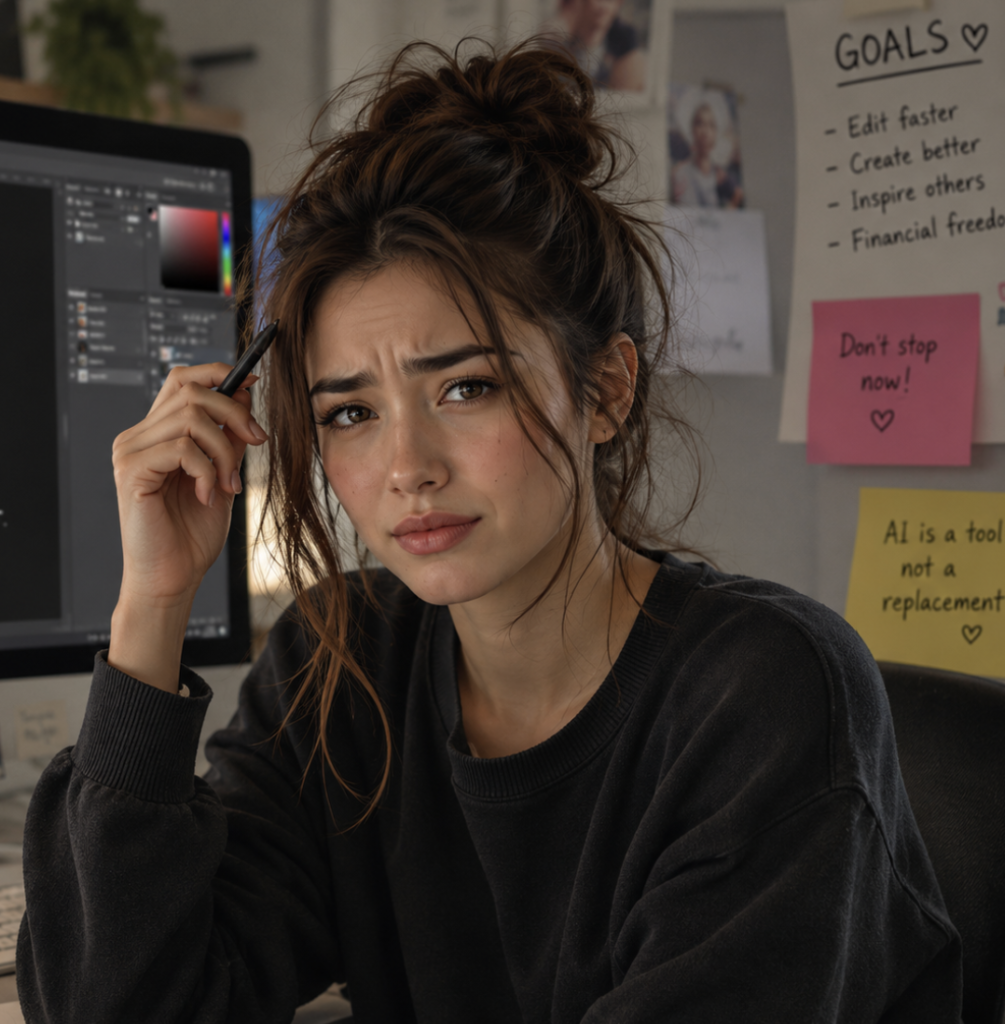
When Adobe Photoshop introduced Generative Fill and AI-powered editing tools, the internet reacted fast. Some people were amazed. Others felt frustrated. And a surprising number of long-time Photoshop users had the same thought:
“Wait… I spent years learning this, and now AI can do it in 10 seconds?”
It’s a fair reaction.
For years, learning Photoshop meant grinding through layers, masks, pen tools, blending modes, retouching techniques, shortcuts, and endless tutorials. Many designers, photographers, and digital artists spent thousands of hours mastering skills that once separated beginners from professionals.
Then suddenly, AI arrived.
Need to remove an object? One click.
Need to extend a background? Type a sentence.
Need a new sky, outfit, or object? Describe it.
For some creators, it genuinely felt like the value of their hard-earned skills dropped overnight.
But that’s only part of the story.
A lot of Photoshop users weren’t angry because technology improved — they were discouraged because mastery used to mean something rare.
Before AI, creating realistic edits often required patience, creativity, and technical understanding. Now beginners can produce decent-looking results almost instantly.
That shift can feel uncomfortable, especially for people who spent years improving manually.
Some artists compared it to calculators entering math classrooms or AI coding tools helping beginner programmers. When technology suddenly automates difficult work, it can create the feeling that the struggle was pointless.
But interestingly, many experienced Photoshop users eventually came to a different conclusion.
AI can generate images quickly, but it still struggles with consistency, taste, storytelling, branding, composition, and knowing why an image works.
That’s where experienced Photoshop users still stand out.
Someone who understands lighting, color grading, perspective, typography, composition, and visual balance can use AI far more effectively than someone pressing random buttons.
In many ways, Photoshop AI didn’t replace skilled users — it amplified them.
A beginner might generate something impressive accidentally.
A skilled editor can guide AI intentionally.
That difference matters.
A lot of people now use Photoshop differently than they did five years ago.
Instead of spending hours doing repetitive tasks manually, creators can focus more on ideas, creativity, and refining results. AI handles some of the technical heavy lifting, while the artist directs the vision.
That’s why many professionals aren’t abandoning Photoshop at all. They’re adapting to a faster workflow.
In fact, Photoshop may still be one of the most valuable creative tools to learn today because AI is becoming part of the software itself.
Knowing how to combine traditional editing skills with AI tools is quickly becoming a new type of advantage.
Honestly, yes — just for different reasons than before.
You probably don’t need to memorize every complicated manual technique anymore. AI can speed up a lot of those tasks.
But understanding design principles, editing fundamentals, creative thinking, and how to control results is still incredibly valuable.
The people who thrive in creative industries are usually the ones who adapt when tools evolve.
Photography changed painting.
Digital art changed illustration.
AI is now changing editing.
And every time technology shifts, people who learn how to work with it usually end up ahead.
Photoshop isn’t becoming useless. It’s becoming more accessible.
That can feel threatening at first — but it also means more people can create, experiment, and bring ideas to life.
And for experienced editors, AI may end up being less of a replacement and more of a superpower.
If you want to keep learning Photoshop, editing techniques, and modern AI workflows, check out my YouTube channel here: